Multi-Timeframe Analysis in TradingView: Screenshot Workflow for Day and Swing Traders
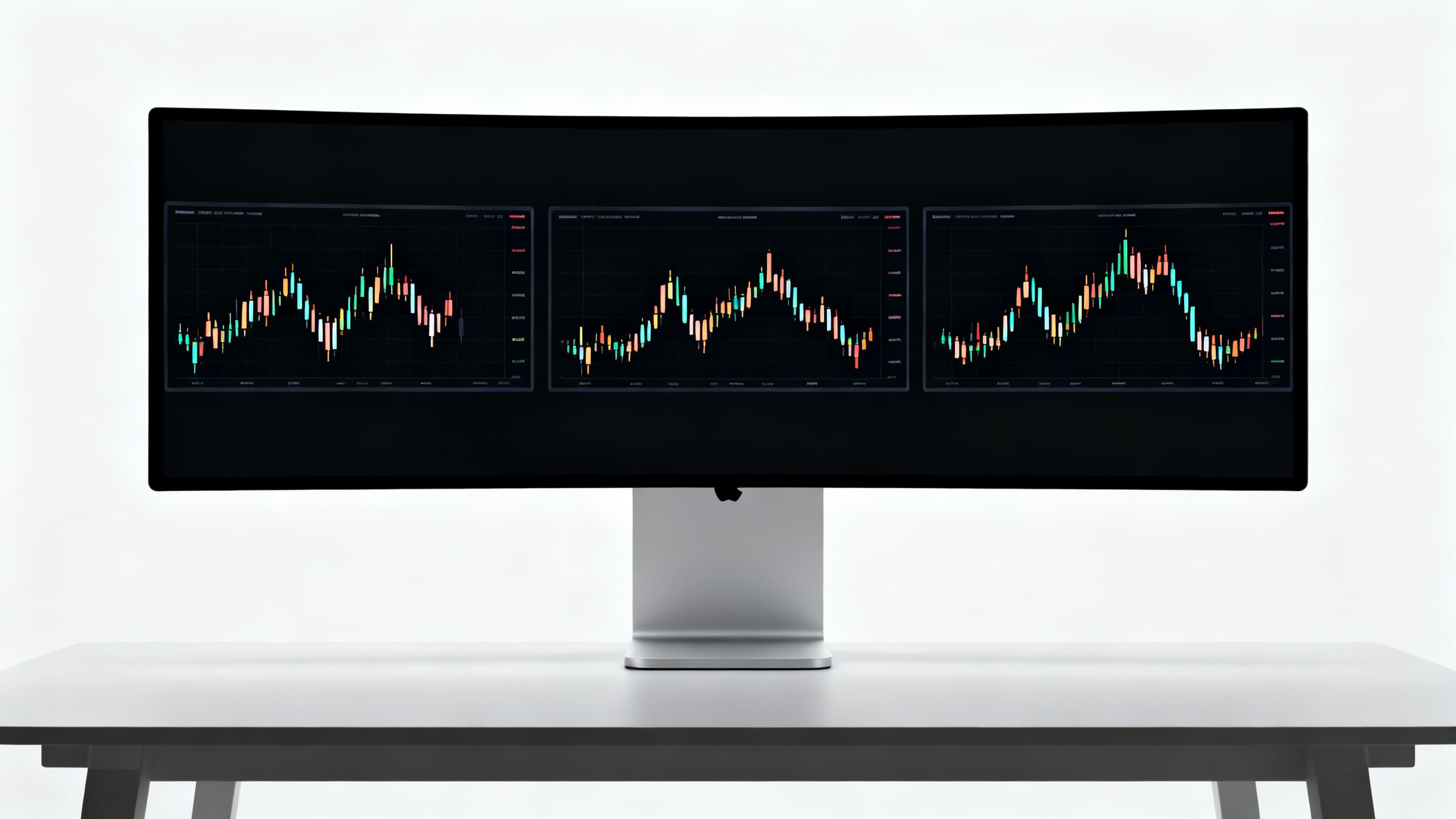
Your 5m chart says buy. Your daily chart says you are walking into a wall.
You take the trade anyway because the lower timeframe feels urgent. Price reverses. You tell yourself it was bad luck. It was multi timeframe analysis you skipped because switching tabs felt slow.
This guide gives you a multi timeframe analysis TradingView workflow built around screenshots: fast to capture, easy to compare, and compatible with AI chart tools when you want a structured second opinion.
One timeframe lies. A stack of timeframes, read top-down in five minutes, tells a more honest story. If you need the full entry/stop/target framework first, read how to analyze a trading chart screenshot with AI. This article extends that process across multiple charts.
Why one timeframe lies
Every timeframe is a compression of the same auction. Different compressions highlight different truths.
Lower timeframes optimize for timing. They show micro structure, entry triggers, and noise. They hide where major supply and demand live.
Higher timeframes optimize for bias. They show trend, range, and levels that institutions defend. They hide the precise entry you need for tight risk.
Trading one timeframe is like reading one paragraph of a contract and signing the page.
Common lies the single-TF trader believes:
- "This breakout is new." The 4H chart shows it is the third test of the same ceiling.
- "This dip is a crash." The daily trend is still intact; you are in a normal pullback zone.
- "There is no resistance above." The weekly wick from six months ago disagrees.
Multi timeframe analysis does not mean more indicators. It means aligned context before you risk capital.
Your job is not to worship the daily chart. Your job is to know when the 15m setup fits the 4H story or fights it. Fights get smaller size or no trade.
Best TF stacks for day and swing traders
Stacks are not universal. Match holding period to the frames you actually review before entry.
Day trading stacks
| Style | Higher TF (bias) | Execution TF (setup) | Trigger TF (optional) |
|---|---|---|---|
| Scalp | 1H | 5m | 1m |
| Intraday | 4H | 15m | 5m |
| Session open | Daily | 5m to 15m | 1m to 5m |
Rule: execution timeframe stop must make sense on the execution chart. Do not use a 1m entry with a daily stop unless you sized for a swing by mistake.
Swing trading stacks
| Style | Higher TF (bias) | Setup TF | Management TF |
|---|---|---|---|
| Short swing | Daily | 4H | 1H |
| Multi-day | Weekly | Daily | 4H |
| Position add | Monthly | Weekly | Daily |
Rule: if the setup timeframe opposes the higher timeframe bias, default to wait. The market pays you for patience more often than for hero entries.
Minimum viable stack (if you are overwhelmed)
Two screenshots only:
- Bias chart (4H for intraday, daily for swings)
- Execution chart (15m or 1H for intraday, 4H for swings)
That pair clears most account damage from trading into higher timeframe resistance or shorting into higher timeframe support.
TradingView layout for fast MTF reads
Speed matters. If MTF takes twenty minutes, you will skip it on busy days. Build a layout once.
Layout A: two-chart stack
- Left pane: higher timeframe, same symbol, synced crosshair if your plan supports it
- Right pane: execution timeframe
- Shared symbol in watchlist; one click reloads both
Layout B: single chart, quick TF hotkeys
- Map keys to your stack (e.g. D, 4H, 15m, 5m)
- Flip through in order: always higher to lower
- Never start on the lowest timeframe
What to pin on screen
- Symbol and timeframe visible (critical for screenshots)
- Minimal drawings: one or two levels max per chart
- Volume if you use it for confirmation; skip if it clutters
What to remove
- Duplicate indicators across TFs (RSI on five charts adds noise, not clarity)
- Social feeds and idea panels during analysis window
- Old drawings you no longer trust
Save the layout as "MTF Analysis." Open it before the session. Consistency beats customization every week.
Sync and replay tips
- Enable chart sync on symbol so switching tickers updates every pane.
- Use replay mode on the higher timeframe first when backtesting MTF rules. Train your eye on bias before you drill into entries.
- Color-code HTF levels you copy to LTF (one color only). If your LTF chart has six colors of lines, you will hesitate at the worst moment.
Mobile TradingView reality
Many traders mark bias on desktop and execute from phone. Capture screenshots on desktop before you leave the desk. A phone photo of a phone chart is unreadable for AI and useless in review. Process first, mobility second.
Top-down bias in 5 minutes
You do not need a dissertation. You need a written bias before you drop to execution.
Minute 1 to 2: highest timeframe in stack
Ask:
- Trend or range?
- Where is the last major swing high and low?
- Are we near a level that mattered before?
Write one line: "Daily uptrend, pulling into prior breakout zone" or "4H range, mid-band, no edge."
Minute 3: middle timeframe (if used)
Ask:
- Does structure agree with higher TF?
- Where would a smart counter-trend trader fade this?
- Any obvious liquidity pools above/below?
Minute 4 to 5: execution timeframe preview
Ask:
- Given bias, which setup types are allowed? (pullback long, breakout, fade, wait)
- Where is the decision zone on this TF?
Output format (copy this):
HTF bias:
Allowed setups:
Forbidden setups:
Decision zone (price area):
Default if unclear: wait
If you cannot complete "allowed setups," you do not have a plan. You have curiosity. Curiosity is expensive at market open.
Screenshot capture standard
Screenshots are your audit trail. Sloppy captures break AI tools and future-you during review.
One screenshot per timeframe in the stack
File naming convention:
SYMBOL_YYYYMMDD_HTF-4H_EXEC-15m.png
Example: ES_20251108_HTF-4H_EXEC-15m.png
Each capture must show
- Full symbol ticker (not cropped)
- Timeframe label on chart
- Enough bars to see structure (at least 30 to 50 candles)
- Your session timezone if your platform displays it
Avoid
- Heavy indicator stacks that hide wicks
- Drawing spaghetti that obscures price
- Compressed JPEG mess from phone photos of a monitor
- Mixed symbols (double-check before upload)
Optional third capture
Trigger timeframe for day traders (1m or 5m) only when the setup is active and you are minutes from entry. Before that, it is noise.
Store captures in a dated folder. You are building evidence for what worked, not just vibes.
Annotation without clutter
Before screenshot, add at most:
- One horizontal line at the HTF decision level
- One arrow or box on the execution TF decision zone
- A text note with bias (long, short, wait)
That is enough for you and for AI. Twelve trendlines from last Tuesday create confusion, not conviction.
Batch capture at key moments
Capture the stack at three session points if you day trade:
- Pre-open (bias only, no trigger yet)
- When a setup forms (full stack)
- After exit (same stack for post-trade review)
Swing traders capture at setup identification and at entry fill. The middle capture matters most. It is the image you will argue with in hindsight.
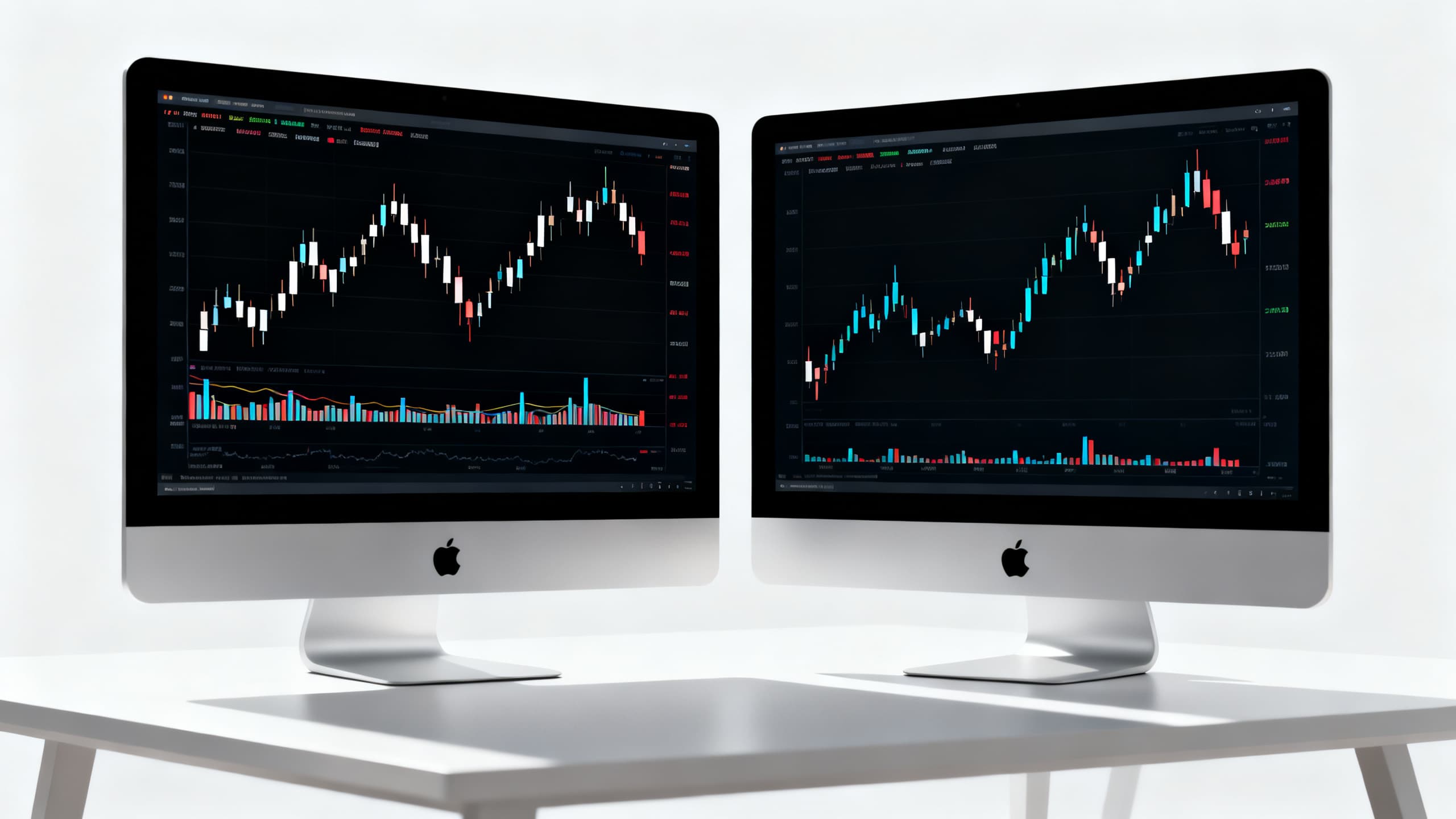
When HTF disagrees with LTF
Disagreement is normal. It is also where most preventable losses live.
Pattern 1: HTF downtrend, LTF long setup
The 15m shows a clean double bottom. The daily makes lower highs into resistance.
Response: fade the long or skip. If you take it, treat as counter-trend scalp: smaller size, tight target at first opposing structure, no runner fantasy.
Pattern 2: HTF range, LTF breakout
The 5m breaks out hard. The 4H is mid-range with ceiling ten ticks above.
Response: breakout may be real locally and still fail globally. Take partial profits at range edge. Stop below retest, not below breakout fantasy.
Pattern 3: HTF strong trend, LTF deep pullback
The daily trend is up. The 1H looks like a crash.
Response: this is often the best alignment if support holds on HTF zone. Look for longs, not shorts, unless HTF structure broke.
Pattern 4: both timeframes chop
No trend on 4H or daily; 5m is whipsaw.
Response: no trade is the trade. Screenshots go in journal as "passed."
Write the disagreement in your note: "15m long vs 4H at resistance." Over time you will see which conflicts you regret taking.
Pattern 5: HTF breakout, LTF extended
Daily just broke out. The 15m is vertical with no pullback.
Response: missed the ideal entry is not a reason to chase. Wait for retest on execution TF or first orderly pullback. HTF breakout with LTF extension often mean-reverts short term even when the bigger move continues.
Pattern 6: news spike on LTF only
A headline hits. The 1m doubles in range. HTF structure unchanged.
Response: separate the event from the trend. Either stand down until candles normalize, or trade the headline as its own scalp with half size and a hard time stop. Do not merge the spike into your swing thesis without rewriting bias from scratch.
AI on multiple captures
AI chart tools can draft faster than manual labeling, but order and inputs matter.
Workflow
- Complete top-down bias manually (5 minutes). AI does not replace this.
- Upload bias screenshot first, then execution screenshot if the tool accepts multiple images.
- Ask for a plan only on the execution TF conditional on HTF bias you wrote.
- Compare AI output to your template: entry, stop, targets, invalidation.
When AI helps MTF
- Labels structure you saw but did not write down
- Suggests scenario language (breakdown vs continuation)
- Speeds journal documentation before open
When AI hurts MTF
- Single image only, no HTF uploaded, model guesses trend
- Cluttered screenshots misread levels
- You accept output without checking HTF agreement
Tools like Bullsights are built for screenshot-first workflows: upload your stack, review structured entries and stops, reject anything that fights your HTF note.
Rule from the screenshot analysis pillar: if higher timeframe bias conflicts with execution setup, wait or reduce size. AI confidence does not override that.
Prompt pattern if you use general chat AI
Upload HTF image: "State trend and key levels only." Upload LTF image: "Given HTF bias [paste], propose entry, stop, targets on this chart." Force structure, not narrative.
Pre-session MTF checklist
Run this before your first trade idea becomes a click.
- Layout loaded, symbol synced across timeframes
- Top-down bias written (HTF trend/range + allowed setups)
- Screenshots captured with symbol and TF visible
- HTF and LTF agree on direction or conflict is labeled
- Decision zone marked on execution chart
- Stop location defined beyond invalidation on execution TF
- Targets map to visible HTF or LTF structure
- AI draft compared to manual read (if used)
- Trade rejected if two or more boxes fail
Print it. Tape it. Most edge is a checkbox away from a impulse entry.
FAQ
How many timeframes is too many?
More than three active charts during decision-making usually adds noise. Stick to bias TF, setup TF, optional trigger TF. Review others occasionally, not on every trade.
Should day traders really look at the daily chart?
Yes. Not for entry precision, for location. A 15m long into daily supply is a different trade than a 15m long at daily support. Location drives win rate over a sample.
Can I use one wide screenshot with multiple timeframes pasted in Photoshop?
You can, but keep each panel readable. If candles blur, AI and future-you lose data. Separate files per TF are cleaner for journals and uploads.
Does multi timeframe analysis work for crypto 24/7 markets?
Yes. Replace session labels with liquidity context (weekend thin books, funding, major level proximity). The stack logic is the same: higher TF bias, lower TF execution.
Bottom line
Multi timeframe analysis TradingView workflow is not a indicator pack. It is a discipline: read top-down, capture proof, align execution with bias, and walk when charts disagree.
Screenshots make the process fast enough to do every time. AI can draft the plan once your stack is honest. You still own the filter.
Build the layout this week. Run the 5-minute bias drill tomorrow. Name your files so review is painless in thirty days.
When you want structured entry, stop, and target drafts from your MTF screenshot stack, try Bullsights. Upload the charts. Compare the brief to your top-down note. Trade when the stack agrees, not when one timeframe shouts loudest.